
Managed Kubernetes
A production cluster in 5 minutes, not a week. We handle Kubernetes deployment, upgrades and fault tolerance — your team ships applications, not clusters.


Who needs Managed Kubernetes
In 10 seconds a visitor should recognize their scenario
Product teams and startups
Launch an MVP and scale without a DevOps engineer on staff. A cluster is created in a few clicks, and autoscaling adapts to your growing traffic on its own.
DevOps engineers
Get rid of the routine: node provisioning, version upgrades, recovery after failures — on our side. You keep kubectl, CI/CD and full control via the API.
Agencies and outsourcing teams
Standardize environments across all client projects. A separate cluster per client — with transparent billing and no manual setup.
Businesses with uneven load
E-commerce and sales, media on a breaking-news day, EdTech during exams: the cluster automatically adds nodes at peak and scales back when traffic drops. Pay for actual usage.
How much does Kubernetes cost when built by hand?
Self-managed vs a managed cluster from OneCloudPlanet
| Self-managed K8s | Managed Kubernetes by OneCloudPlanet | |
|---|---|---|
| Cluster deployment | 1–5 days of an engineer's work | ~5 minutes in the panel |
| K8s version upgrades | manual, with downtime risk | managed upgrade |
| Control plane fault tolerance | you design it yourself | your choice: 1 control node for dev or 3 for HA — configured like regular nodes |
| Scaling | manual or custom scripts | node autoscaling out of the box |
| Maintenance cost | from $1500/mo (a share of a DevOps salary) | $0 — you pay only for resources |
Managed Kubernetes saves dozens of engineering hours per month — and adds not a single line to your bill for the service itself.
What you get
Create, scale and manage clusters without complex setup or extra costs
A cluster in a few clicks
Choose the configuration, number of nodes and location — the cluster is ready in ~5 minutes. No Ansible, no Terraform, no pain.
Autoscaling without downtime
The number of worker nodes automatically grows under load and shrinks when the peak is over. Your app stays available even during rush hours.
Load balancing — free
A Load Balancer for the Kubernetes API is created automatically together with the cluster, and additional balancers for your ingress are free too.
Fast SSD disks
SSD-based cloud storage — maximum performance for databases and StatefulSet workloads.
Vanilla Kubernetes, versions 1.27–1.32
No vendor lock-in: standard K8s API, kubectl, Helm. Migrate manifests from other clouds without rewriting.
Panel, API and Terraform
Create clusters in your dashboard, via the API or the Terraform provider — infrastructure as code for CI/CD, without manual clicks.
Transparent pricing: the service is $0
You pay only for the cloud resources consumed by the cluster nodes — at Cloud Instance rates. Hourly or monthly billing, no hidden charges.

Three steps to a working cluster
Automate deployment, scaling and infrastructure management without extra costs
Sign up
Register in the OneCloudPlanet panel — all you need is an email.
Create a cluster
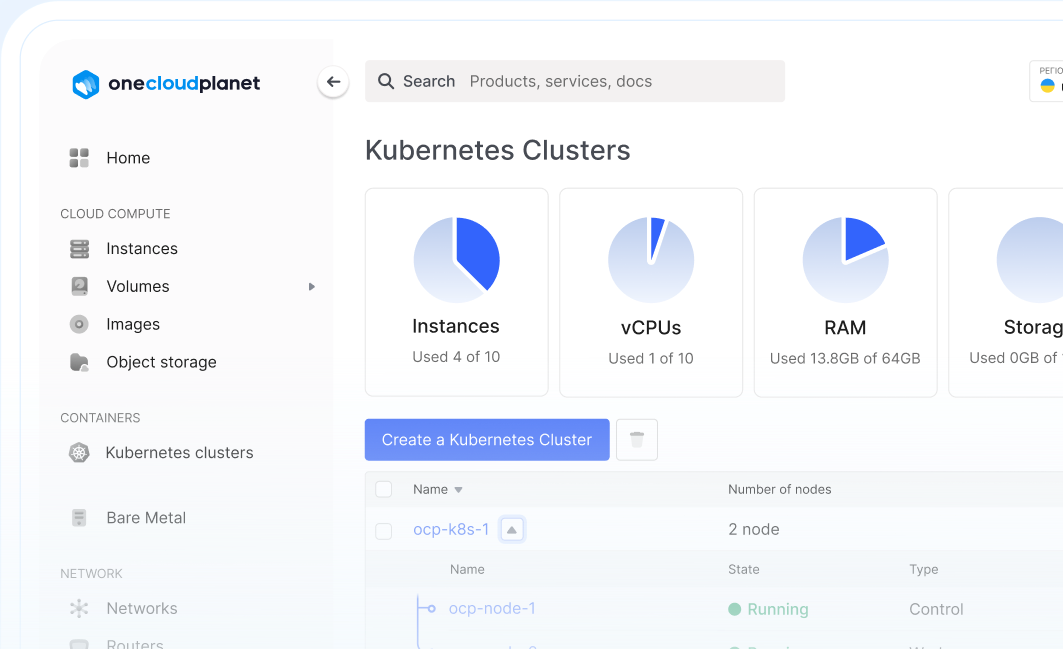
Choose the K8s version, configuration and number of nodes, and a location (Ukraine, Poland or the Netherlands).
Connect via kubectl
Download the kubeconfig and deploy your first application.
What tasks it fits
The most common scenarios where managed Kubernetes pays off immediately
High-load systems
Traffic distribution through balancers and automatic scaling: your site or app stays available under peak load.
CI/CD and test environments
Deploy dozens of test environments in containers, automate pipelines and cut hosting costs for dev/test infrastructure.
Microservice architecture
Orchestrate dozens of services with service discovery, rolling updates and self-healing pods.
Distributed teams and outsourcing
Standardize development environments: the same infrastructure for everyone — less “works on my machine”.
Why OneCloudPlanet
The minimum you can verify right now
Own data centers
Data centers in Ukraine, Poland and the Netherlands — choose a location closer to your users or keep a geo-reserve.
24/7 support
Technical support in Ukrainian and English — available around the clock.
-
Migration help
We'll move your services into the cluster with minimal risk and within predictable timelines.
Learn more ISO 27001
Information security processes confirmed by ISO 27001 certification.
Security and backups out of the box
Do more with solutions that boost the stability, control and protection of your clusters
Firewall (FWaaS)
Learn moreRestrict access to cluster nodes at the network level: allow only the needed ports and traffic sources. Free.
Data backups
Cluster nodes are stateless, no need to back them up: Kubernetes recreates them itself. Back up data: PVC volume snapshots and DB dumps in Object Storage.
Snapshots
Manually capture node state: snapshot it before a risky upgrade and roll back in minutes.
Frequently asked questions
We've gathered all the important documents, guides and articles to make it easy for you to get started with OneCloudPlanet cloud solutions.
Deploy your first cluster today
Registration takes a minute. The service is free — you pay only for resources, with hourly billing. You can stop the cluster anytime.
Latest publications
Everything you need to create a stable, secure and scalable environment

Mailcow vs Zimbra: Which Mail Server to Choose in 2026
Mailcow vs Zimbra for self-hosted email: an honest comparison of features, server requirements, admin complexity and cost. Both deploy in one click from the Marketplace.
How to migrate a server from Hetzner to Ukraine: step-by-step guide
Moving a VPS or dedicated server from Hetzner to a Ukrainian cloud: plan, rsync/rclone, DB replication and DNS switchover with minutes of downtime. ~1 ms ping from Kyiv.
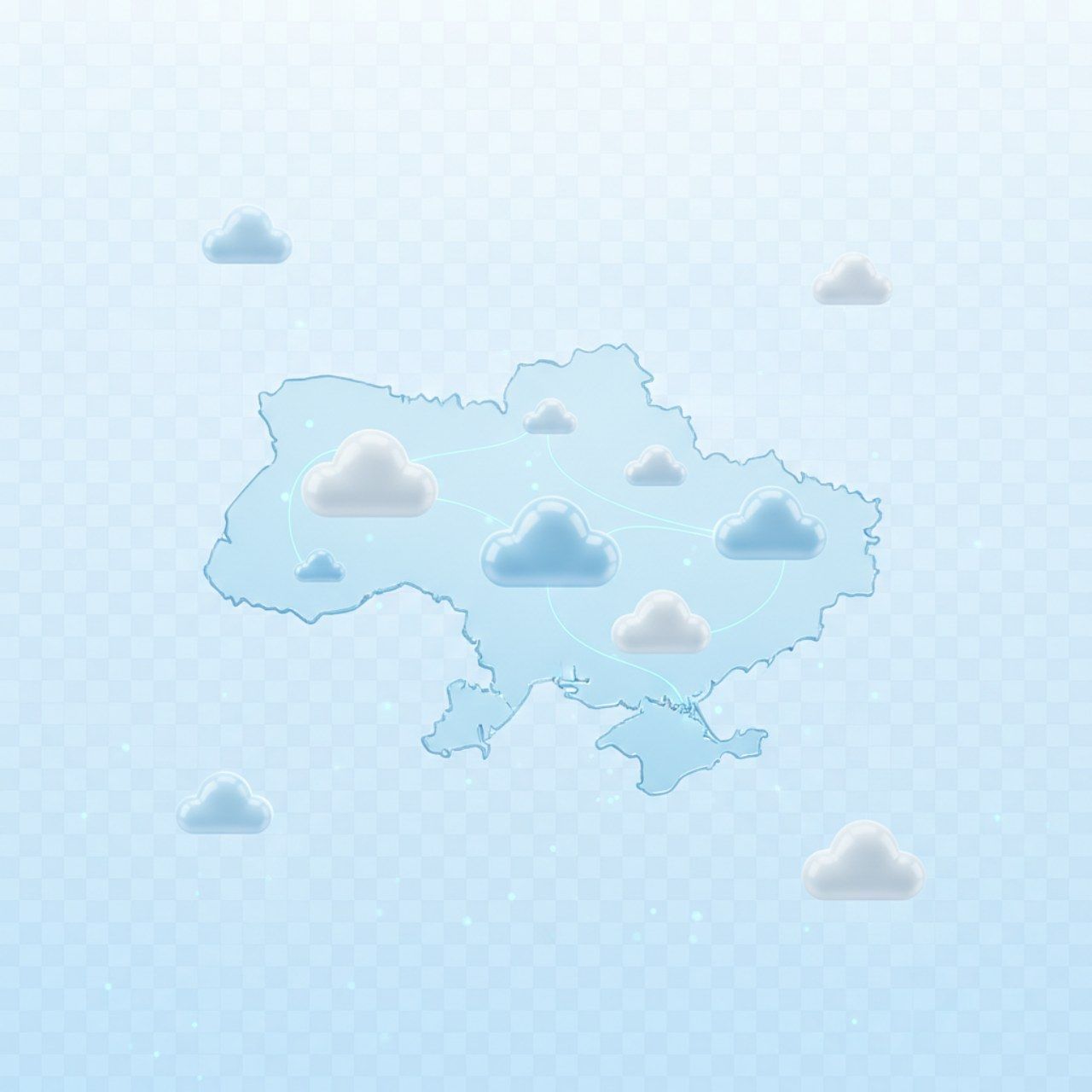
Ukrainian cloud providers 2026: a business comparison
GigaCloud, De Novo, UCloud, OneCloudPlanet: platforms, locations, billing models and which provider fits whom. An honest comparison of the Ukrainian cloud market in 2026.

New GPUs in the cloud: NVIDIA RTX PRO 4500 and RTX PRO 6000 Blackwell
Blackwell-generation GPUs are now in the OneCloudPlanet cloud: RTX PRO 4500 (32 GB) from $0.69/hr and RTX PRO 6000 (96 GB) — 70B-class models in a single card, no multi-GPU.

Hourly Cloud VPS: How Pay-As-You-Go Billing Works (and When It Beats Monthly Plans)
Hourly VPS from $0.01/hr: the real math vs monthly plans, the snapshot-and-destroy workflow, where savings reach 76%, and how to avoid the hidden “second bill”.

Cloud on-call handover checklist for reliable 24/7 support: prevent context gaps and speed up issue resolution
A practical cloud on-call handover checklist to keep support continuity, avoid missed alerts, and resolve incidents faster across shifts.

Cloud change freeze and rollback plan for safer production releases: reduce outage risk during critical updates
A practical change freeze and rollback framework to protect production stability, keep customer services available, and recover fast if an update fails.

Cloud maintenance window planning playbook for stable service updates: reduce disruption and keep customers productive
A practical cloud maintenance window playbook to plan updates safely, reduce disruption risk, and keep customer operations predictable.
Cloud instance disaster recovery testing playbook: prove restore readiness before real outages
A practical cloud disaster recovery testing playbook to validate restore readiness, reduce recovery risk, and keep customer services available during critical disruptions.

Cloud incident response runbook for faster service recovery: reduce downtime and protect customer experience
A practical cloud incident response runbook to reduce downtime, speed up service recovery, and keep customer operations stable during disruptions.