
S3-compatible object storage
The same S3 API as Amazon. Your existing tools and SDKs work with no code changes — you pay only for volume.

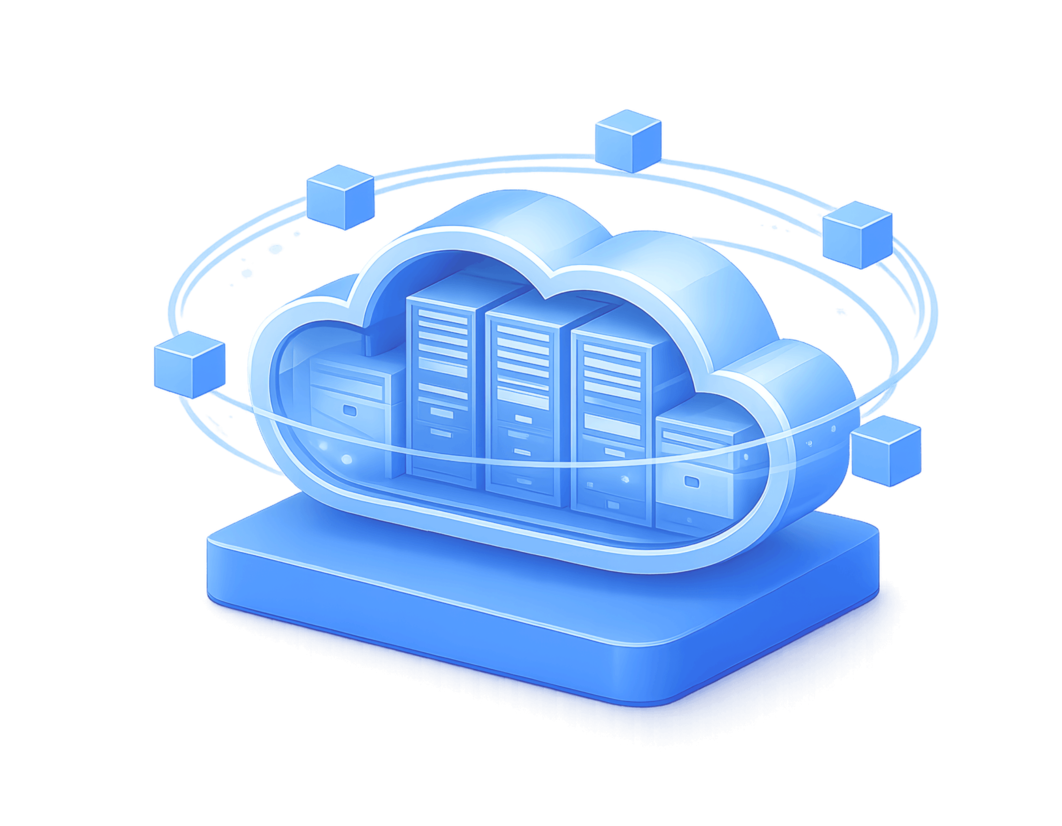


Who needs object storage
The most common teams and tasks where S3 storage pays off right away
Developers and product teams
User files, images, video, logs — your app writes to a bucket via the S3 SDK (boto3, aws-sdk-js and others) with no code changes.
DevOps and administrators
Offsite backups of servers and databases: Veeam pushes copies to our S3 as a repository; restic, Duplicati and rclone all work. Versioning protects against accidental deletion and ransomware.
Businesses leaving AWS or storing data in the EU
The same API — without lock-in to the Amazon ecosystem, with a predictable bill and locations in Ukraine and the EU. Ideal for data-residency requirements.
AI/ML teams
Datasets and model artifacts next to Cloud GPU — traffic between storage and GPU instances inside the platform is free.
Works with the tools you already use
Compatible with popular S3 clients, SDKs, and backup systems
- aws cli
- rclone
- boto3 (Python)
- aws-sdk (JS/Go/Java/PHP)
- s3cmd
- Cyberduck
- WinSCP
- Veeam
- restic
- Duplicati
- MinIO Client
# Upload a file to a bucket with aws cli
aws s3 cp backup.tar.gz s3://my-bucket/ \
  --endpoint-url https://s3.ua-central-1.ocplanet.cloud
Storage is built on Ceph RGW — the industry standard for S3-compatible storage. Multipart upload, presigned URLs, versioning, ACLs and access policies are supported.
What you get
Standard S3 with no surprises — and a predictable bill
S3 API with no surprises
Standard S3 operations: buckets, multipart upload for large files, presigned URLs for temporary access, permission management via keys and policies.
99.95% reliability
Data is replicated across nodes of a Ceph cluster — a disk or node failure is invisible to you.
Scaling with no administration
No need to plan a “disk size”: storage grows with your data, and you pay for the actual volume.
Fast access over HTTPS
Every object is available by URL. Public buckets and a custom domain — serve site static and media straight from storage.
Versioning and delete protection
Enable versioning on a bucket — previous versions are kept, so accidental deletion or ransomware won't destroy data irreversibly.
Locations: Ukraine, Poland, Netherlands
Keep data closer to users or meet residency requirements. Geo-replicating backups to a second location is a few lines in rclone.
What it's for
Typical scenarios where object storage is the best choice
Backups and archives
Offsite copies of VMs, databases and file servers. Object storage is cheaper than block disks and not tied to any server.
Site static and media
Images, video, JS/CSS, downloadable files — offload your web server and keep content separate from compute.
Data for AI/ML and analytics
Datasets, model checkpoints, a data lake — with access from OneCloudPlanet Cloud GPU and Kubernetes clusters.
Logs and documents
Centralized storage of logs and documents with retention (lifecycle) policies.
1 TB — $1.30 per day. Everything else — $0
Only storage is billed. Outbound traffic and PUT/GET requests are free, with no limits.
| What | OneCloudPlanet | AWS S3 Standard |
|---|---|---|
| Storage, 1 TB | ≈ $1.30/day (≈ $39.00/mo) | ≈ $0.77/day (≈ $23/mo) |
| Outbound traffic | Free, no limits | ≈ $90 per 1 TB |
| PUT/GET requests | Free | $5 per 1M PUT + $0.4 per 1M GET |
| Bill at month end | Predictable | A surprise |
Billing is daily — you pay only for the days data was actually stored. Delete the data and billing stops that same day.
Example: 500 GB of backups — about $0.65 per day (≈ $19.50/mo), with no charge for restoring when you need the backup.
Rate: $0.039 per GB/mo. Payment in UAH at the NBU rate. AWS figures are shown for comparison and may change.
How to start — 3 steps
From sign-up to your first object in storage — in minutes
Sign up
Register in the OneCloudPlanet panel — all you need is an email.
Create a bucket and keys
Create a bucket and generate a key pair (Access Key / Secret Key) in the console.
Connect with an S3 client
Point your S3 client or SDK at the endpoint s3.ua-central-1.ocplanet.cloud (Ukraine location) — and get to work.
Move without changing code
Thanks to API compatibility, migration comes down to syncing data and swapping the endpoint
# Sync a bucket from AWS S3 to OneCloudPlanet storage
rclone sync aws-s3:my-bucket ocp-s3:my-bucket --progress
Large volume or complex infrastructure? The OneCloudPlanet team will help plan the migration. Migration help
Why OneCloudPlanet
Technologies and guarantees you can verify
Clusters on Ceph
The same standard used by CERN and leading cloud providers to build storage.
ISO/IEC 27001
A certified information-security management system.
Data centers in Ukraine, Poland and the Netherlands
The same prices in every location — choose by residency or proximity to users.
24/7 support and migration help
Round-the-clock technical support; we assist with migrating data from AWS or another storage.
Platform integration
Storage next to Cloud Instance, Managed Kubernetes and Cloud GPU — a single ecosystem.
Frequently asked questions
Create your first bucket in 2 minutes
Registration is free. Pay only for actual volume — start with a single backup and scale without limits.
Latest publications
Everything you need to create a stable, secure and scalable environment

Mailcow vs Zimbra: Which Mail Server to Choose in 2026
Mailcow vs Zimbra for self-hosted email: an honest comparison of features, server requirements, admin complexity and cost. Both deploy in one click from the Marketplace.
How to migrate a server from Hetzner to Ukraine: step-by-step guide
Moving a VPS or dedicated server from Hetzner to a Ukrainian cloud: plan, rsync/rclone, DB replication and DNS switchover with minutes of downtime. ~1 ms ping from Kyiv.

Ukrainian cloud providers 2026: a business comparison
GigaCloud, De Novo, UCloud, OneCloudPlanet: platforms, locations, billing models and which provider fits whom. An honest comparison of the Ukrainian cloud market in 2026.

New GPUs in the cloud: NVIDIA RTX PRO 4500 and RTX PRO 6000 Blackwell
Blackwell-generation GPUs are now in the OneCloudPlanet cloud: RTX PRO 4500 (32 GB) from $0.69/hr and RTX PRO 6000 (96 GB) — 70B-class models in a single card, no multi-GPU.

Hourly Cloud VPS: How Pay-As-You-Go Billing Works (and When It Beats Monthly Plans)
Hourly VPS from $0.01/hr: the real math vs monthly plans, the snapshot-and-destroy workflow, where savings reach 76%, and how to avoid the hidden “second bill”.

Cloud on-call handover checklist for reliable 24/7 support: prevent context gaps and speed up issue resolution
A practical cloud on-call handover checklist to keep support continuity, avoid missed alerts, and resolve incidents faster across shifts.

Cloud change freeze and rollback plan for safer production releases: reduce outage risk during critical updates
A practical change freeze and rollback framework to protect production stability, keep customer services available, and recover fast if an update fails.

Cloud maintenance window planning playbook for stable service updates: reduce disruption and keep customers productive
A practical cloud maintenance window playbook to plan updates safely, reduce disruption risk, and keep customer operations predictable.
Cloud instance disaster recovery testing playbook: prove restore readiness before real outages
A practical cloud disaster recovery testing playbook to validate restore readiness, reduce recovery risk, and keep customer services available during critical disruptions.

Cloud incident response runbook for faster service recovery: reduce downtime and protect customer experience
A practical cloud incident response runbook to reduce downtime, speed up service recovery, and keep customer operations stable during disruptions.