


Cloud Migration

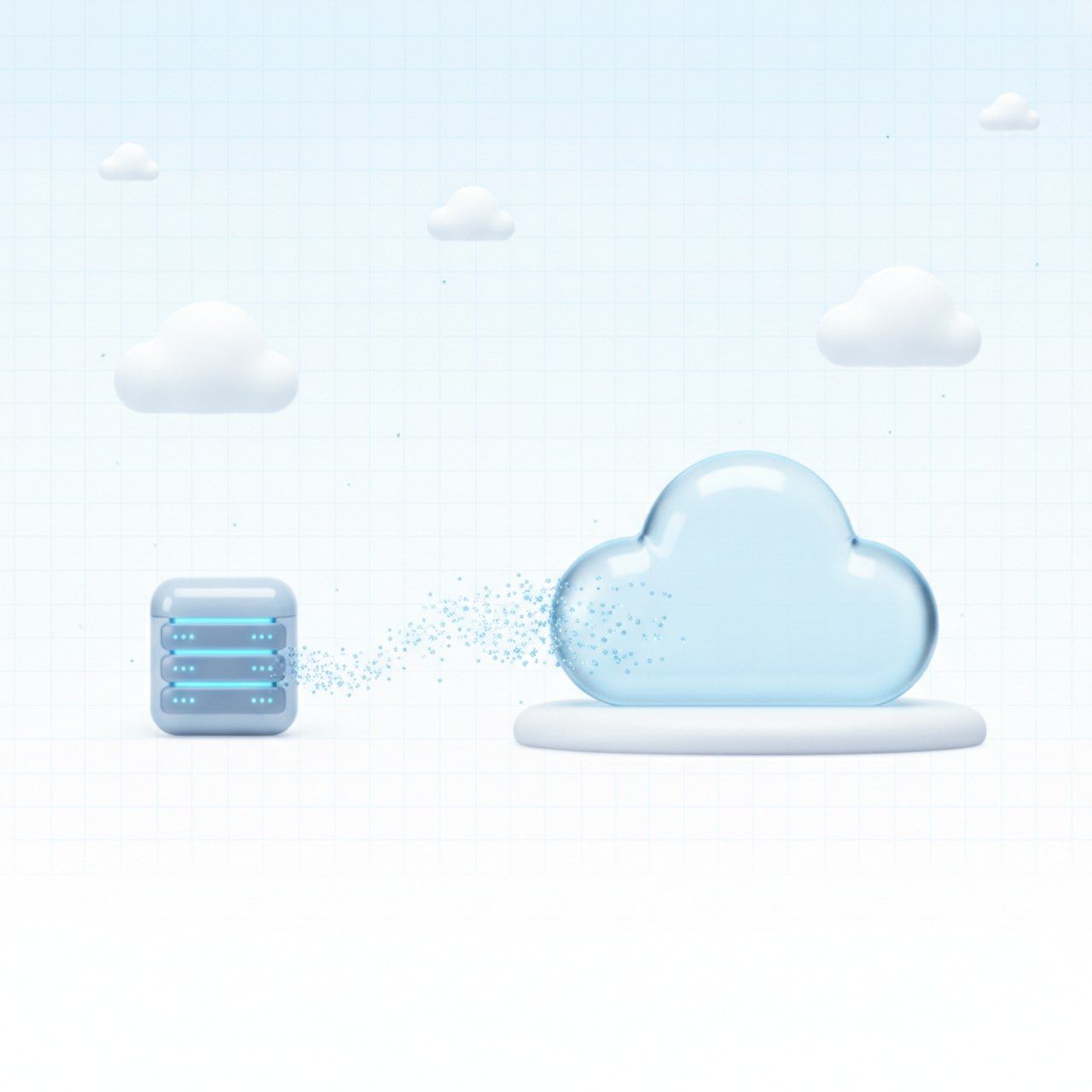
We help migrate your services to the cloud with minimal risks and predictable timelines

Your fast and secure cloud migration

We assess the state of your infrastructure and suggest the optimal migration approach on individual terms, without stopping business processes.

3 key migration risk factors we protect you from

Failures and data loss
Financial costs
Time costs

Migrate from any cloud platform

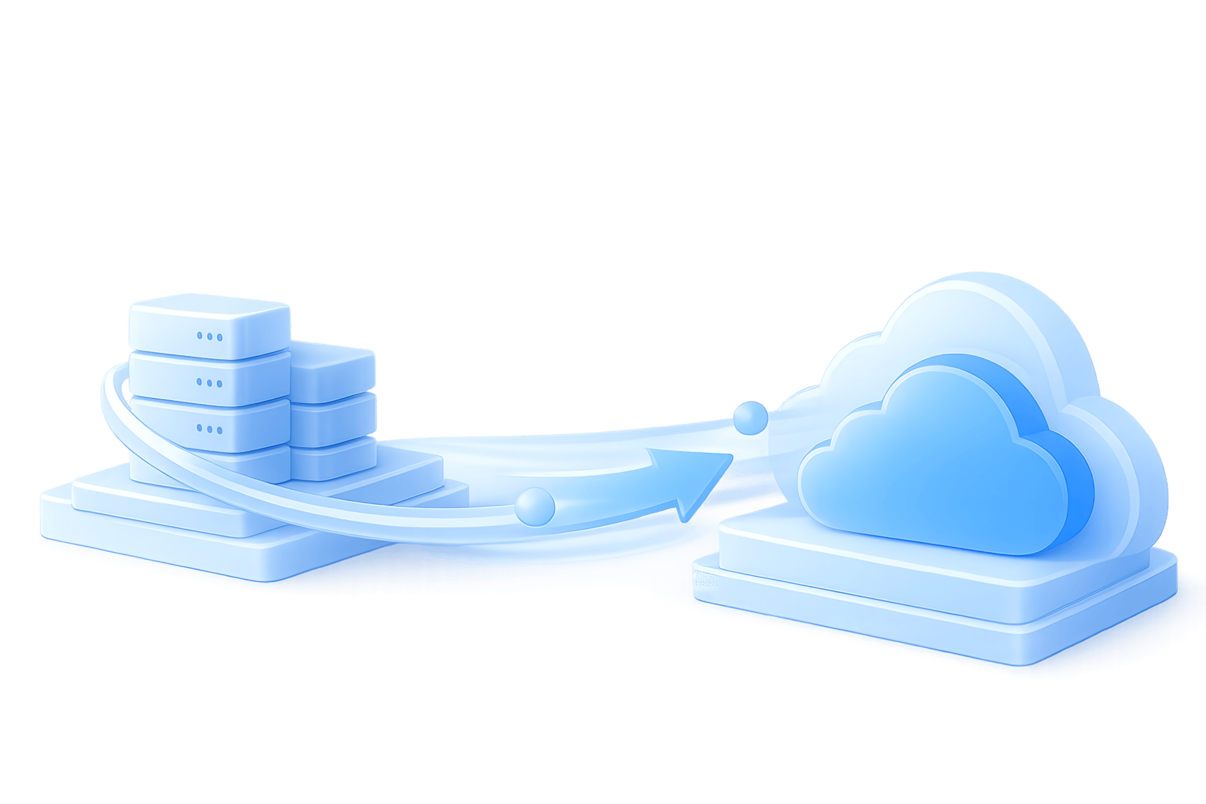
Transfer part of the infrastructure or the entire system from a local environment to a new cloud without changing the architecture. This is the fastest and least risky approach that requires fewer resources.

Google Cloud
Google Cloud

Oracle Cloud
OpenStack
VMWare
OpenStack
KVM
AWS

How cloud migration works

1. Preparation

Scanning incoming traffic in real time.

2. Start copying

Start copying business applications, metadata and server settings without loss of productivity.

3. Data distribution

All data in original formats is placed in volumes and snapshots of the new cloud.

4. Infrastructure

Business applications are launched using the infrastructure in the new cloud.

5. Test migration

Run unlimited performance and functionality tests in a virtual cloud we allocate specifically for you.

6. Final migration

Migration in short predictable timeframes with a ready maintenance plan.

Build powerful infrastructure with OneCloudPlanet

Cost-effective Dev/Test Environment

Learn more Cost-effective Dev/Test Environment

Expert teams are ideal for every stage of product development and deployment

Basic Administration Basic Administration

Learn more Basic Administration

Free your sysadmins from routine tasks: we'll configure backups, database configurations, deploy monitoring systems, install software and monitor your services. Expert teams are ideal for every stage of product development and deployment

Documentation

There are many arguments in favor of moving infrastructure to a cloud platform, and each company has its own. For some, transferring IT infrastructure to the cloud using the IaaS model helps to expand data storage capabilities or speed up computing processes, while others choose clouds as a backup site for testing, a development environment, or for hosting non-critical services. That is, depending on specific business goals, moving to the cloud will help in different ways. In other words, renting a cloud server helps to increase the overall productivity of the business. The company gets the opportunity to use computing power, data storage, and communication channels without capital expenditures and the need to maintain its own server. Migration to the cloud is the first step towards digital transformation, which is urgently needed by any business that wants to maintain its competitiveness in the market and be able to launch new IT projects. If you want to reduce IT infrastructure costs, it makes sense to move backups, disaster recovery and file storage to the cloud. You can increase the productivity of employees using the service of virtual desktops. Migration to the cloud is a smart choice when the company's business applications consume more resources than the local equipment can provide, or when the own infrastructure does not meet the current needs of the business due to aging. An old low-power server or other equipment seriously harms the company's business processes, slowing down the work of all departments. In addition, security risks arise as vendors abandon support for outdated hardware by ceasing security updates. Using old systems is ineffective in the long run. The company will still face performance issues, limitations to growth and security risks. What appears to be savings on upgrades is actually bad for business. Cloud solutions, according to a long list of criteria, benefit from local infrastructure. The cloud is easier to maintain, operating costs are lower, and changes to applications can be made much faster.

There are two types of migration: * from physical infrastructure to cloud infrastructure * from one cloud platform to another (from another provider) This process requires preparation, but is usually worth the effort, resulting in cost savings and greater flexibility. There are several approaches to moving applications to the cloud, ranging from moving old applications "as is" to creating a new application to replace the old one. Simple movement (Lift-and-shift). The organization's programs do not change, but are simply placed in the cloud. Lift-and-shift can include copying application executables, creating and configuring virtual machine (VM) images, creating security groups, configuring elastic IP addresses and DNS, and migrating to a new cloud database. Refactoring The approach involves optimizing the application to work in a cloud environment. This process can take some time, as it involves repurposing application components, making changes to the code. But as a result, the refactoring program is able to fully use the advantages of cloud architecture. This approach is relevant for migrating legacy applications. It can be said that refactoring is the most beneficial method in terms of long-term business results. Re-platforming A hybrid approach, which involves partial refinement of the system architecture. For example, implementing a managed database or using dynamic scaling functionality. This migration strategy takes more time compared to the first method, but at the same time the company becomes more efficient and adapted to the cloud environment. Additional benefits appear. For example, using autoscaling for internal workloads can reduce the burden on DevOps of manually managing instances.

The architecture of the computer equipment of different companies is different, so the process of transferring the IT infrastructure is always different. But a cloud migration plan always includes the following steps: Step 1. Data migration Creating a copy of the company's data in cloud storage is a mandatory first step when migrating to the cloud. It is important to choose a reliable fail-safe storage with backup systems. After all, the more levels of protection of the data storage system, the more secure your databases will be. Please note that copying raw data is only part of the initial migration process. Be sure to check the formats and schemas of data exported from one repository to another. Step 2. Replication After you have finished exporting the local storage snapshot and the data moved to the cloud, you need to configure the synchronization processes. Current replication is more complex than a copy operation because there is a series of incremental copy operations. Each operation requires the registration of changes in the data and its schema, as well as the application of these changes in the cloud storage. Any solution for synchronizing data between the cloud and on-premises infrastructure (or another cloud) needs to be tested for latency and reliability. Synchronization can be configured manually, or a data pipeline service can be selected to handle continuous replication of data and schemas. Once everything is set up, the rest of the infrastructure can be migrated. Step 3. Ensuring security The organization of cloud infrastructure, despite its technological complexity, turns out to be easier than creating a copy of a physical analogue. You can't rush here, because the threat to information security is one of the reasons why companies are afraid to implement clouds. When using cloud platforms, corporate assets are no longer behind a self-configured firewall, and the network perimeter does not seem to exist. In fact, this is not true, there are firewalls and perimeters. But fears remain, so it's important to thoroughly study all aspects of data and application security. To ensure the effectiveness of the protection process, the participation of various specialists is necessary, in addition to the employees of the IT department, since migration entails technological transformations and structural changes. Moving to the cloud can change the functional roles and operations of your business. And employees may need help in mastering new work systems and algorithms. Although the work processes themselves will not change, the work environment usually remains the same. In general, among the main difficulties for the company, it is possible to single out the choice of provider, security settings and ensuring the interaction of applications and services with the cloud environment. Other processes have long been established and do not cause problems.

Latest publications

Everything you need to create a stable, secure and scalable environment